

Adobe Premier Pro

Adobe Premier Pro

APEC Provides Best Adobe Premier Pro Course.

New Batches Starting Register Now:
Get free demo and career guidance class.
vector element of asterisk
Purple color Groupgg asterisk image

Customized ONLINE Classes available.
Attend Free Demo

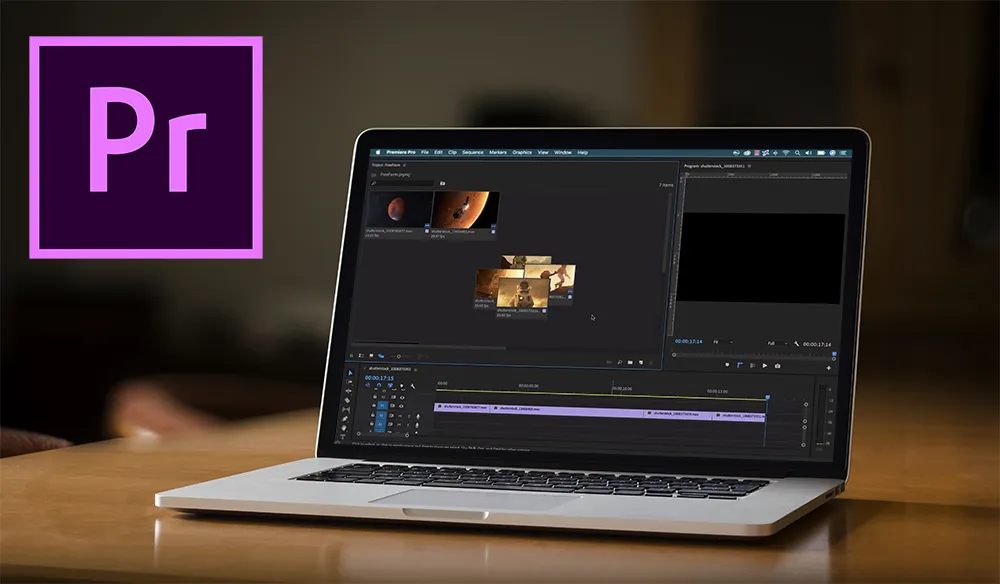
Overall, Premiere Pro Course in Hyderabad at APEC offers industry-standard multimedia and animation training designed for moment’s creative professionals. Also, Adobe Premiere Pro has come one of the most popular video editing tools worldwide. Thus, our training program provides a complete overview of its stoner interface, important features, product workflow, and professional video and audio editing ways.

Moreover, in addition, students gain hands- on experience with non-linear editing and learn how to manage multiple media formats efficiently. Furthermore, likewise, the course teaches learners how to produce professional edits, apply goods, add titles, enhance audio, and import vids in multiple formats including DVD, Blu- shaft, and digital lines. Finally, eventually, scholars also explore 3D graphic design and special goods extensively used in TV and stir picture product.

  • Fundamentals of non-linear editing
  • Working with multiple media formats in Premiere Pro
  • Professional editing, goods, titles, and audio control
  • Exporting to colorful affair formats
  • Creating 3D plates and special goods

Syllabus

CERTIFYING BODY: Adobe

CAREER PROSPECTS

This course is suitable for students who think way outside the box and aspire to work with industry’s most innovative minds on high-impact projects for endless opportunities to create exceptional experiences.

  • Video Editor
  • Visual effects designer
  • Software Editor
  • Software mixer
  • Audio and Video Specialist

SYLLABUS

  • PREMIER
  • Introduction to Video Editing
  • Create a looping soundtrack
  • Overlay and insert clips
  • Create a picture within a picture
  • Record a voiceover
  • Color Correction, Title effects
  • Separate video to audio
  • Reverse video
  • Speed and duration
  • Slow motion effects
  • Cutting audio and video
  • Effects controllers
  • Video motion presets
  • Render effects in work area
  • Creating crawl titles
  • Export to media options
  • Generate real-time previews
  • Create rolling multicolumn titles
  • Applying Transitions
  • Using Filters

FAQ's

We have 2 modes of training. Classroom Training & Online Training.

IT Training courses take a maximum of 2-3 month durations & the course duration, however, depends on the availability and convenience of the learner. You can check our detailed upcoming batches, course duration & timing, fees at the course training page.

Yes, after the completion of the course. We will provide opportunity to work on our live projects.

We provide a proper certificate after completion of the course. Along with our institute certificate you will be also able to write Course Name and other certifications after completing the course.

You can expect a 10%-25% increment in salary. The overall growth depends upon how you perform and how you are beneficial to the organization.

Grow Your Career

There’s no shortage of possible career options in IT, and there’s no shortage of opportunities for promotion within specific IT niches. Full Stack Development, Data Science, ML & AI, Digital Marketing, Cloud Computing, Networking and Graphic Design all offer IT career growth and may be just right for you.