Home / All Courses / Graphic Designer
- Hyderabad’s #1 Graphic Design Training Institute
Become a Graphic Designer
Adobe Photoshop, Illustrator, CorelDRAW, InDesign, typography, colour theory, logo design, brand identity, packaging & social media design for real clients
- Duration: 3 Months
- Rating: 4.9 / 5

- SCAN NOW for More Details
Course Curriculum
A structured 4-month program covering everything from fundamentals to advanced enterprise development.
Module 1: Design Fundamentals
- Basics
- Principles
- Color theory
- Typography
Module 2: Graphic Design Tools
- Photoshop
- Illustrator
- CorelDRAW, etc.
Module 3: Image Editing & Illustration
- Photo editing
- Vector design
- Logo creation
Module 4: Branding & Creative Design
- Poster design
- Social media creatives
- Branding
Module 5: Advanced Design & Projects
- UI basics
- Portfolio
- Real-time projects
Everything You Need to Launch Your Career
Our Graphic Designing program is designed to give you practical skills that top companies demand.

Industry-Oriented Curriculum
Crafted with inputs from senior developers at top IT companies, updated quarterly to match market demands.

Hands-on Projects
Build 5+ real-world projects—including e-commerce, REST APIs, and microservices—to showcase to employers.
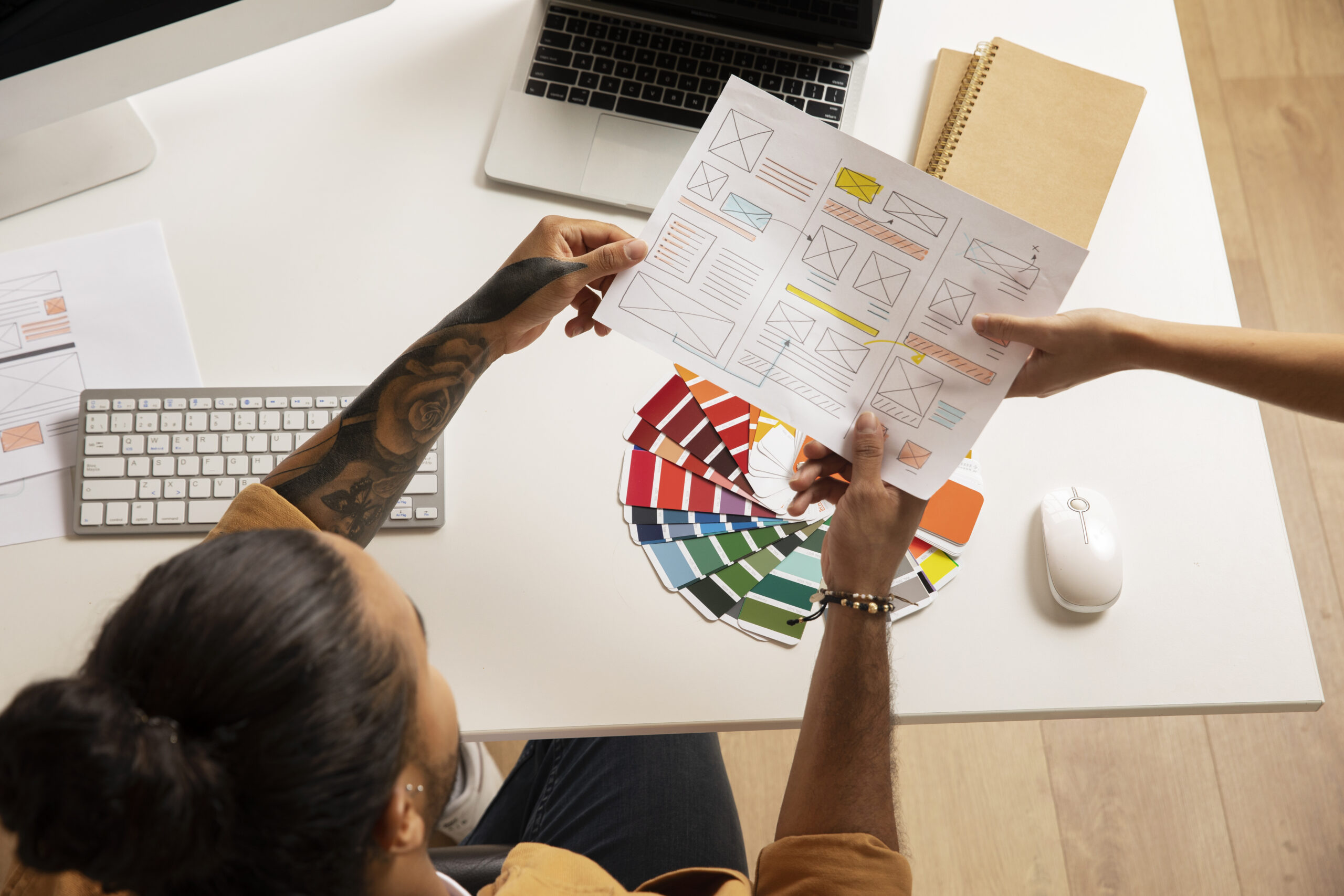
Creative Portfolio Development
Build a professional design portfolio showcasing your creative projects and skills.

Placement Support
Placement assistance with resume building, mock interviews, and career support.
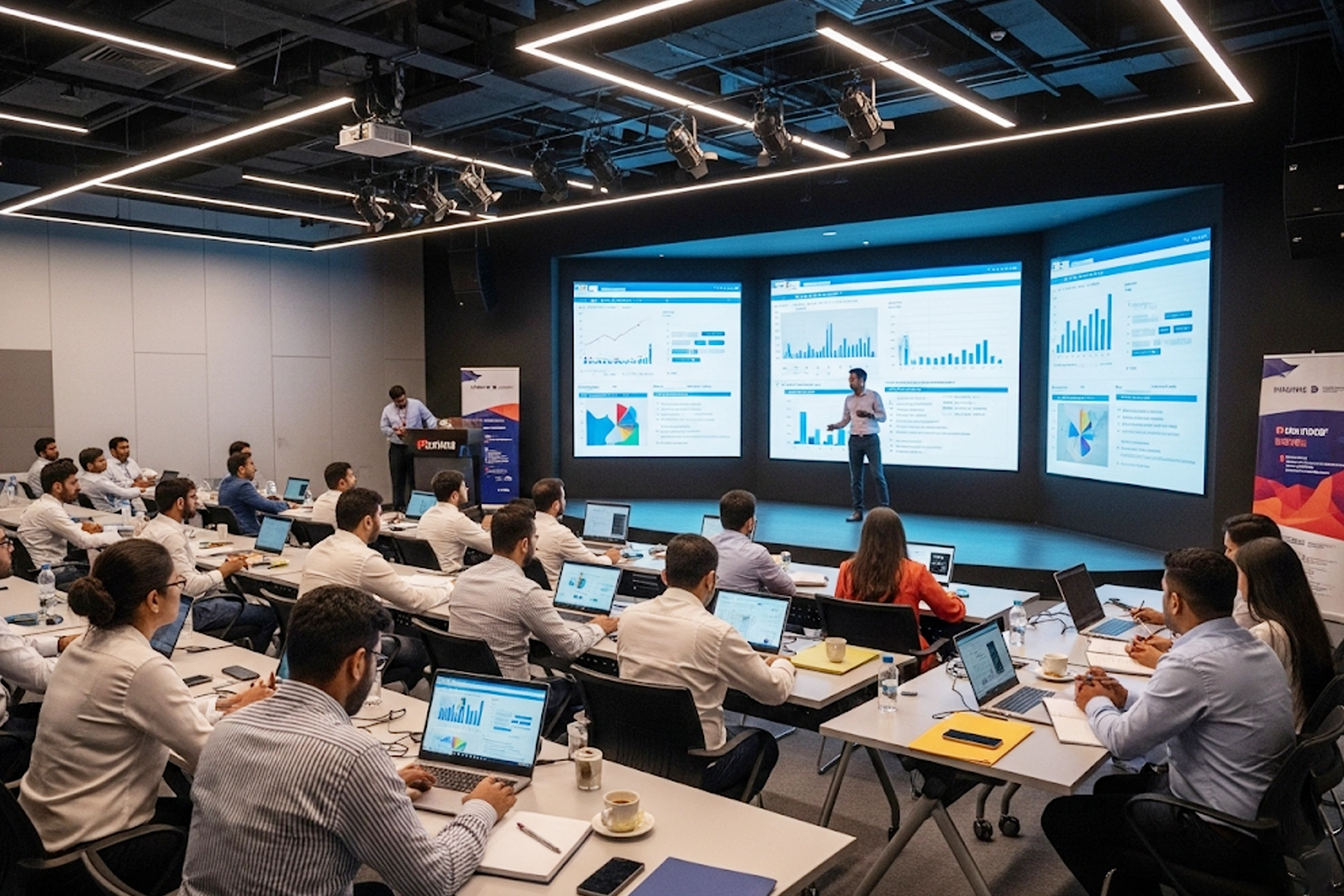
Experienced Trainers
Learn from engineers with 8–15 years of enterprise Java experience at companies like TCS, Infosys, and Wipro.
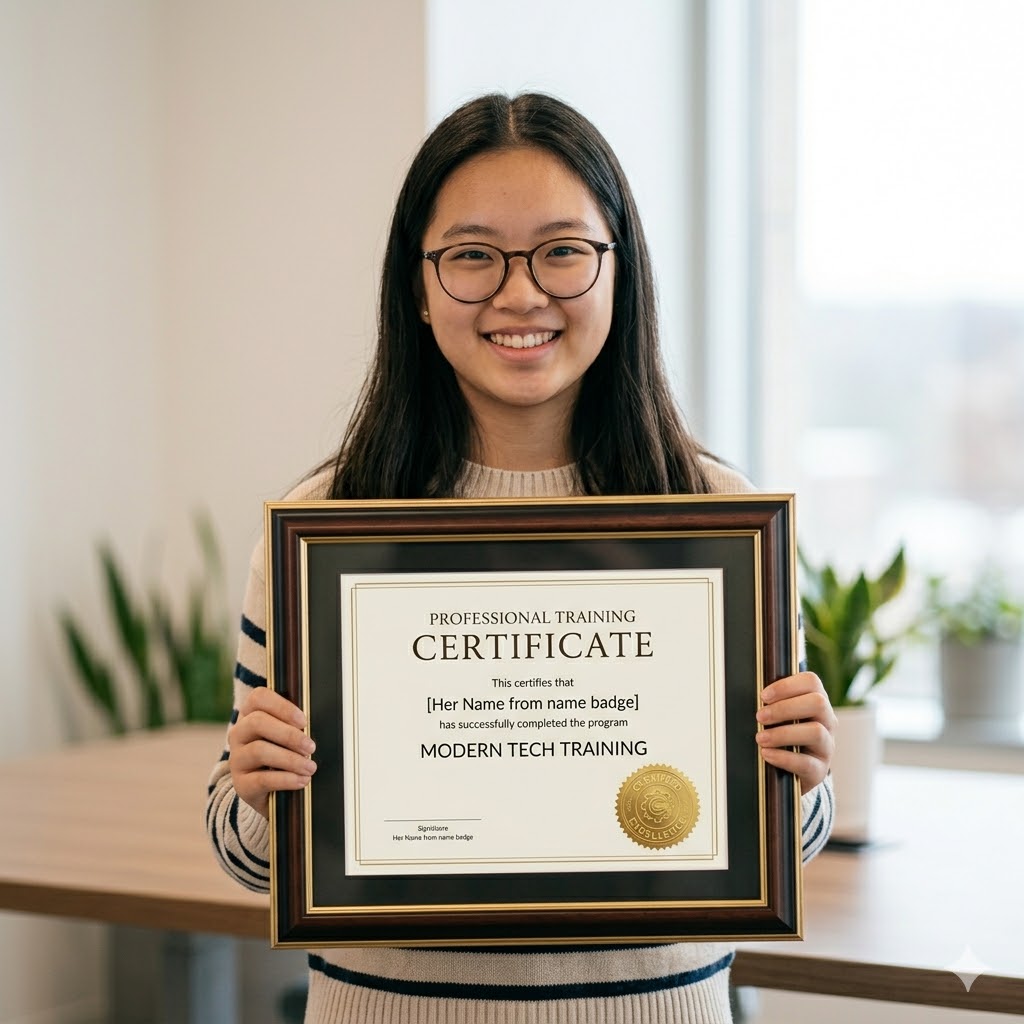
Recognised Certificate
Earn an industry-recognized APEC Training certificate valued by top companies in Hyderabad.
Technologies You'll Master
A complete Graphic Designing toolkit covering design principles, typography, branding, and industry-standard tools.

InDesign
Illustrator
Photoshop

Canva

Figma
After Effects
Choose Your Learning Mode
Flexible training options to fit your schedule and learning style.

Classroom Training
Learn in a professional training environment with real-time interaction, peer learning, and lab access.
- In-person expert guidance
- Hands-on learning
- Peer interaction
- Focused environment

Online Training
Live instructor-led sessions via Zoom/Google Meet full classroom experience from anywhere in India.
- Learn from anywhere
- Live interactive classes
- Flexible schedule
- Recorded sessions

Weekend Batch
Weekend intensive sessions designed for working professionals and students with busy weekdays.
- Weekend-only classes
- Ideal for professionals
- Fast-track learning
- Flexible pace
Frequently Asked Questions
Got questions? We’ve got answers. If you don’t find what you need, talk to our counsellors.
Graphic designing is the art of creating visual content using typography, images, colors, and layouts to communicate ideas and messages effectively.
Students, freshers, job seekers, entrepreneurs, and professionals from both IT and Non-IT backgrounds can join this course.
No prior experience is required. This course starts from basics and gradually moves to advanced design concepts.
You will learn Adobe Photoshop, Adobe Illustrator, Adobe InDesign, Figma, and Canva.
The course duration typically ranges from 2 to 4 months depending on the training mode and learning pace.
Yes, the course focuses on hands-on learning through real-time projects and live assignments.
Yes, APEC provides a professional certification after successful completion of the course.
Yes, APEC offers complete placement assistance including resume preparation, interview training, and job referrals.
You can work as a Graphic Designer, Visual Designer, UI Designer, Digital Marketing Designer, or Creative Executive.
APEC offers expert trainers, industry-relevant curriculum, hands-on projects, affordable fees, and strong placement support.
Ready to Become a Graphic Designer?
Join thousands of students who transformed their careers with
APEC Training
Your first step is one click away.
You Might Also Like
Graphic Designing
APEC provides the best Graphic Designing Course for students and professionals from both IT and Non-IT backgrounds, covering various creative fields and industry requirements.


Introduction to Graphic Design
Principles of Design (Color, Layout, Typography, Balance)
Visual Communication Basics
Understanding Branding & Creativity
- Interface & Tools Overview
- Image Editing & Retouching
- Color Correction & Photo Manipulation
- Layers, Masks & Effects
- Designing Posters, Banners & Social Media Creatives
- Vector Graphics & Illustration
- Logo Design & Branding
- Typography & Icon Design
- Creating Brochures, Flyers & Infographics
Designing Magazines, Newspapers & Catalogs
Working with Grids & Templates
Print & Digital Publishing
Page Layout & Publishing
- Creating Professional Portfolio
- Resume & Design Presentation
- Personal Branding & Client Handling
Syllabus
Fundamentals of Graphic Design
Introduction to Graphic Design
Principles of Design (Color, Layout, Typography, Balance)
Visual Communication Basics
Understanding Branding & Creativity
Adobe Photoshop
- Interface & Tools Overview
- Image Editing & Retouching
- Color Correction & Photo Manipulation
- Layers, Masks & Effects
- Designing Posters, Banners & Social Media Creatives
Adobe Illustrator
- Vector Graphics & Illustration
- Logo Design & Branding
- Typography & Icon Design
- Creating Brochures, Flyers & Infographics
Adobe InDesign
Designing Magazines, Newspapers & Catalogs
Working with Grids & Templates
Print & Digital Publishing
Page Layout & Publishing
Portfolio Development
- Creating Professional Portfolio
- Resume & Design Presentation
- Personal Branding & Client Handling
FAQ's
Graphic designing is the art of creating visual content using typography, images, colors, and layouts to communicate ideas and messages effectively.
Students, freshers, job seekers, entrepreneurs, and professionals from both IT and Non-IT backgrounds can join this course.
No prior experience is required. This course starts from basics and gradually moves to advanced design concepts.
You will learn Adobe Photoshop, Adobe Illustrator, Adobe InDesign, Figma, and Canva.
The course duration typically ranges from 2 to 4 months depending on the training mode and learning pace.
Yes, the course focuses on hands-on learning through real-time projects and live assignments.
Yes, APEC provides a professional certification after successful completion of the course.
Yes, APEC offers complete placement assistance including resume preparation, interview training, and job referrals.
You can work as a Graphic Designer, Visual Designer, UI Designer, Digital Marketing Designer, or Creative Executive.
APEC offers expert trainers, industry-relevant curriculum, hands-on projects, affordable fees, and strong placement support.
Grow Your Career
There’s no shortage of possible career options in IT, and there’s no shortage of opportunities for promotion within specific IT niches. Full Stack Development, Data Science, ML & AI, Digital Marketing, Cloud Computing, Networking and Graphic Design all offer IT career growth and may be just right for you.