

Become a SQL Server Developer

Master SQL Server with hands-on queries and placement assistance. Work with real-world databases from day one.

qr course syllbus download
New Batches Starting - REGISTER Now:
Get FREE DEMO & Career Guidance

Course Curriculum

A structured 3-month program covering everything from fundamentals to advanced enterprise development.

Module 1: Introduction to SQL & Databases
  • Introduction to Databases
  • What is SQL?
  • Types of Databases (RDBMS)
  • DBMS vs RDBMS
  • SQL Environment Setup
  • Data Types
  • Creating Tables
  • INSERT, UPDATE, DELETE
  • SELECT Statements
  • WHERE, ORDER BY, GROUP BY
  • Joins (Inner, Outer, Self Join)
  • Subqueries
  • Aggregate Functions
  • Constraints (Primary Key, Foreign Key, etc.)

Module 4: Database Programming

  • Transactions (COMMIT, ROLLBACK)
  • Normalization
  • Performance Optimization
  • Real-time Queries
  • Mini Project / Case Studies

Everything You Need to Launch Your Career

Our SQL Server program is designed to give you practical skills that top companies demand.

Industry-Oriented Curriculum

Crafted with inputs from senior developers at top IT companies, updated quarterly to match market demands.

Hands-on Projects

Build 5+ real-world projects—including e-commerce, REST APIs, and microservices—to showcase to employers.

Internship Opportunities

Master writing efficient queries and managing databases.

Placement Support

Placement assistance with resume building, mock interviews, and career support.
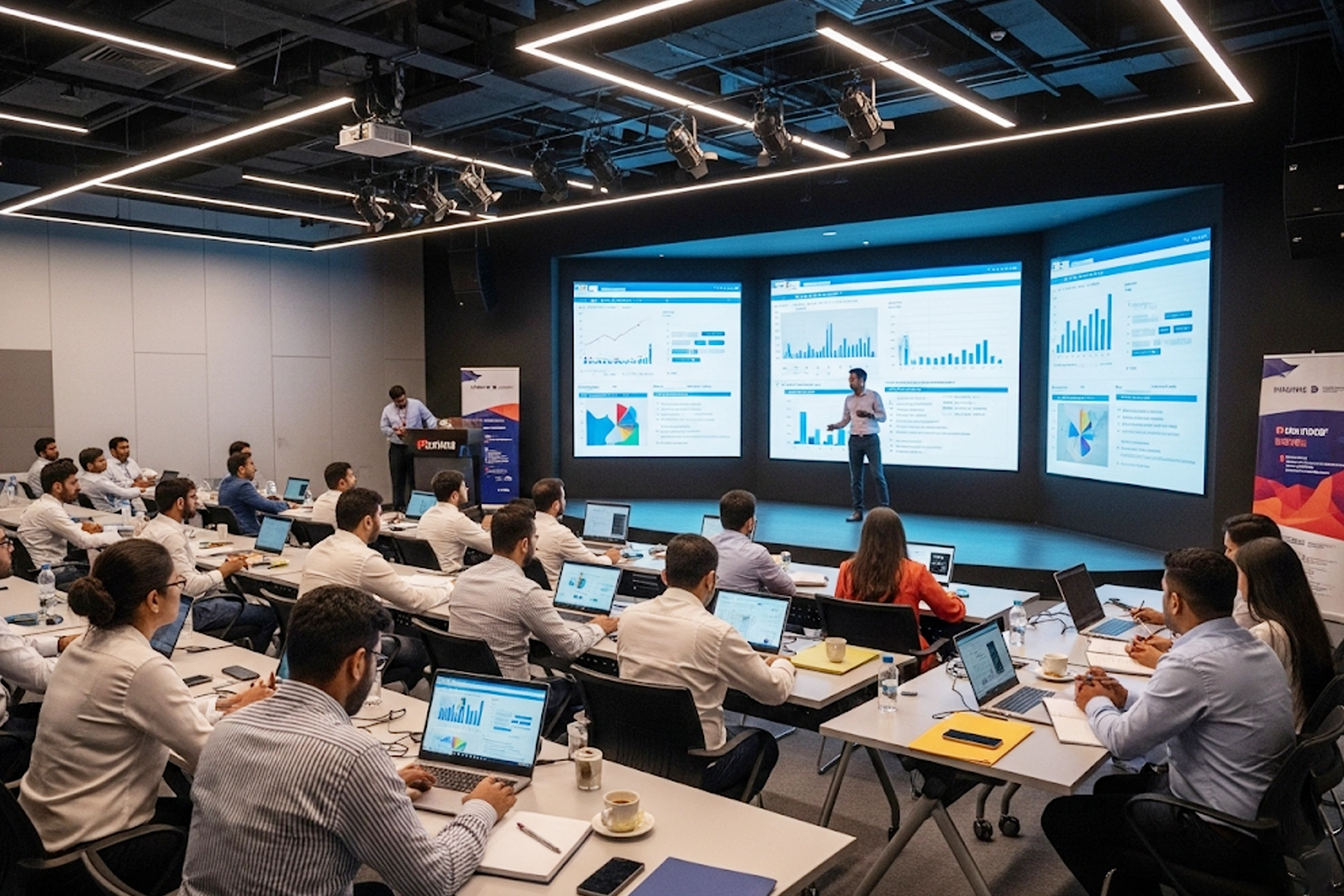
Experienced Trainers

Learn from engineers with 8–15 years of enterprise Java experience at companies like TCS, Infosys, and Wipro.
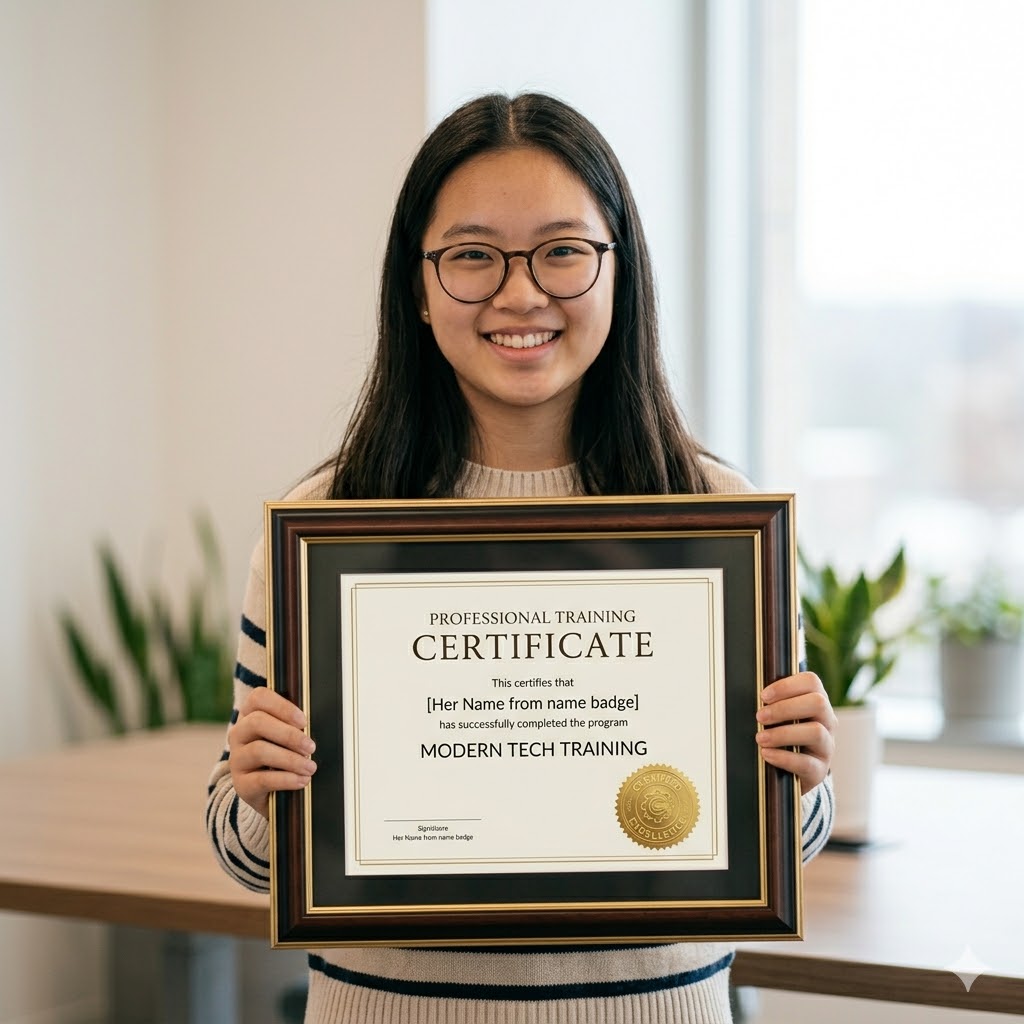
Recognised Certificate

Earn an industry-recognized APEC Training certificate valued by top companies in Hyderabad.

Technologies You'll Master

A complete SQL Server toolkit covering queries, database design, and data management essentials.

SSRS

Hibernate

T-SQL

Spring Boot

SQL Server

Java

Azure SQL

Angular

SSMS

SSMS

SSIS

SSIS

Choose Your Learning Mode

Flexible training options to fit your schedule and learning style.

Offline Classroom

Classroom Training

Learn in a professional training environment with real-time interaction, peer learning, and lab access.

Online Training

Online Training

Live instructor-led sessions via Zoom/Google Meet full classroom experience from anywhere in India.

Online Training

Weekend Batch

Weekend intensive sessions designed for working professionals and students with busy weekdays.

Frequently Asked Questions

Got questions? We’ve got answers. If you don’t find what you need, talk to our counsellors.

We have 2 modes of training. Classroom Training & Online Training.

IT Training courses take a maximum of 2-3 month durations & the course duration, however, depends on the availability and convenience of the learner. You can check our detailed upcoming batches, course duration & timing, fees at the course training page.

Yes, after the completion of the course. We will provide opportunity to work on our live projects.

We provide a proper certificate after completion of the course. Along with our institute certificate you will be also able to write Course Name and other certifications after completing the course.

You can expect a 10%-25% increment in salary. The overall growth depends upon how you perform and how you are beneficial to the organization.

Ready to Become a SQL Server Expert?

Join thousands of students who transformed their careers with

APEC Training

Your first step is one click away.

You Might Also Like

Full Stack Python

Python, Django, REST APIs & React.

Data Science with AI & ML

Python, ML, Deep Learning & real-world data projects.

AI & Machine Learning

Neural networks, model building & deployment.

AWS Cloud Computing

EC2, S3, Lambda, RDS & certification prep.

SQL Server

APEC Provides Best SQL Server Course in Various Fields of Education like for both IT and Non IT Students and Professionals .

New Batches Starting - REGISTER Now:
Get FREE DEMO & Career Guidance
vector element of asterisk
Purple color Groupgg asterisk image
  • Introduction to DBMS
  • Data Models
  • HDBMS, NDBMS, RDBMS, ORDBMS
  • Entity Relationship (E-R)
  • Normalization Introduction to SQL Server
  • Advantages & limitations
  • Login & Password
  • Server Type & Server Name
  • Authentication Modes – SQL Server, Windows
  • SQL Server Management Studio & Tools
  • Query Editor
  • Introduction To SQL
  • Types of SQL Commands
  • Data Types
  • DDL, DML, DQL, DCL, TCL
  • Databases – Create / Alter / Drop
  • Tables – Create / Alter / Drop Table Constraints
  • Not Null
  • Unique
  • Default
  • Check
  • Primary Key
  • Referential Integrity or foreign key Data
  • Insert / Update / Delete
  • Truncate & Drop
  • Create a Table From
  • Another Table
  • Insert Rows From One
  • Table To Another Data
  • Query Language (DQL)
  • Simple Select
  • Select with row filters
  • Where clause with relational operators
  • Logical operators
  • Special operators
  • Between and In, Like Is Null, Isnull() Order By Clause
  • Column aliases Transaction Management
  • User & Server schema
  • Implicit Transactions
  • Begin / Save Transaction
  • Commit / Rollback
  • Role of Log File in
  • Transaction Management Built In Functions
  • Numeric/Character
  • Date/Conversion/Identity
  • Aggregate Functions – sum(), avg(), etc.
  • Group By & Having Clauses
  • Top Clause Set Operators
  • Union, Union all ,Intersect Joins
  • Simple Equi / Non-Equi
  • Natural, Self
  • Inner, Outer
  • Cross or Cartesian Join Sub Queries
  • Single / Multi Row
  • Any, Some, ALL
  • Exists & Not Exists
  • Nested Correlated Indexes Create, Alter & Drop
  • Performance variation
  • Clustered / Non-Clustered DBA Activities
  • Authenticated Login – SQL Server/Windows
  • Create / Alter / Drop users
  • Granting & Revoking Permissions Views
  • Create / Alter / Drop Views
  • Simple, Complex Views
  • Indexed & Partition views
  • Encryption & Schema Binding Options TSQL Programming
  • SQL versus TSQL Programming
  • Control statements – If,Case
  • While & other looping statements Cursors
  • Types of Cursors
  • Forward_Only, Scroll
  • Static, Dynamic
  • Keyset
  • Local & Global Stored Procedures
  • Creating/Calling Stored Procedures
  • Altering & Dropping
  • Optional, Input, Output Parameters
  • Permissions on Stored Procedures Exception Handling
  • User Defined Error Messages – Add & Remove
  • Raising Exceptions Manual User Defined Functions
  • Scalar Functions
  • Table Valued Functions
  • Permissions on User Defined Functions Triggers
  • Stored Procedures VS User Defined Functions VS Triggers
  • Creating Triggers
  • Altering Triggers
  • Dropping Triggers
  • Magic Tables

Instead of Triggers CLR Integration


What is CLR Integration?
Implementing CLR
A Simple Example Working with XML Data Type Database – Backup, Restore – Import, Export – Attach, Detach

Syllabus

Concepts of DBMS

  • Introduction to DBMS
  • Data Models
  • HDBMS, NDBMS, RDBMS, ORDBMS
  • Entity Relationship (E-R)
  • Normalization Introduction to SQL Server
  • Advantages & limitations
  • Login & Password
  • Server Type & Server Name
  • Authentication Modes – SQL Server, Windows
  • SQL Server Management Studio & Tools

Object Explorer

  • Query Editor
  • Introduction To SQL
  • Types of SQL Commands
  • Data Types
  • DDL, DML, DQL, DCL, TCL
  • Databases – Create / Alter / Drop
  • Tables – Create / Alter / Drop Table Constraints
  • Not Null
  • Unique
  • Default
  • Check
  • Primary Key
  • Referential Integrity or foreign key Data

Manipulation Language (DML)

  • Insert / Update / Delete
  • Truncate & Drop
  • Create a Table From
  • Another Table
  • Insert Rows From One
  • Table To Another Data
  • Query Language (DQL)
  • Simple Select
  • Select with row filters
  • Where clause with relational operators
  • Logical operators
  • Special operators
  • Between and In, Like Is Null, Isnull() Order By Clause

Distinct Keyword

    • Column aliases Transaction Management
    • User & Server schema
    • Implicit Transactions
    • Begin / Save Transaction
    • Commit / Rollback
    • Role of Log File in
    • Transaction Management Built In Functions
    • Numeric/Character
    • Date/Conversion/Identity
    • Aggregate Functions – sum(), avg(), etc.
    • Group By & Having Clauses


Ranking Functions

  • Top Clause Set Operators
  • Union, Union all ,Intersect Joins
  • Simple Equi / Non-Equi
  • Natural, Self
  • Inner, Outer
  • Cross or Cartesian Join Sub Queries
  • Single / Multi Row
  • Any, Some, ALL
  • Exists & Not Exists
  • Nested Correlated Indexes Create, Alter & Drop
  • Performance variation

Composite

  • Clustered / Non-Clustered DBA Activities
  • Authenticated Login – SQL Server/Windows
  • Create / Alter / Drop users
  • Granting & Revoking Permissions Views
  • Create / Alter / Drop Views
  • Simple, Complex Views
  • Indexed & Partition views
  • Encryption & Schema Binding Options TSQL Programming
  • SQL versus TSQL Programming

Introduction

  • Control statements – If,Case
  • While & other looping statements Cursors
  • Types of Cursors
  • Forward_Only, Scroll
  • Static, Dynamic
  • Keyset
  • Local & Global Stored Procedures
  • Creating/Calling Stored Procedures
  • Altering & Dropping
  • Optional, Input, Output Parameters
  • Permissions on Stored Procedures Exception Handling
  • User Defined Error Messages – Add & Remove
  • Raising Exceptions Manual User Defined Functions
  • Scalar Functions
  • Table Valued Functions
  • Permissions on User Defined Functions Triggers
  • Stored Procedures VS User Defined Functions VS Triggers
  • Creating Triggers
  • Altering Triggers
  • Dropping Triggers
  • Magic Tables
  • Instead of Triggers CLR Integration
    What is CLR Integration?
    Implementing CLR
    A Simple Example Working with XML Data Type Database – Backup, Restore – Import, Export – Attach, Detach

FAQ's

We have 2 modes of training. Classroom Training & Online Training.

IT Training courses take a maximum of 2-3 month durations & the course duration, however, depends on the availability and convenience of the learner. You can check our detailed upcoming batches, course duration & timing, fees at the course training page.

Yes, after the completion of the course. We will provide opportunity to work on our live projects.

We provide a proper certificate after completion of the course. Along with our institute certificate you will be also able to write Course Name and other certifications after completing the course.

You can expect a 10%-25% increment in salary. The overall growth depends upon how you perform and how you are beneficial to the organization.

Grow Your Career

There’s no shortage of possible career options in IT, and there’s no shortage of opportunities for promotion within specific IT niches. Full Stack Development, Data Science, ML & AI, Digital Marketing, Cloud Computing, Networking and Graphic Design all offer IT career growth and may be just right for you.