
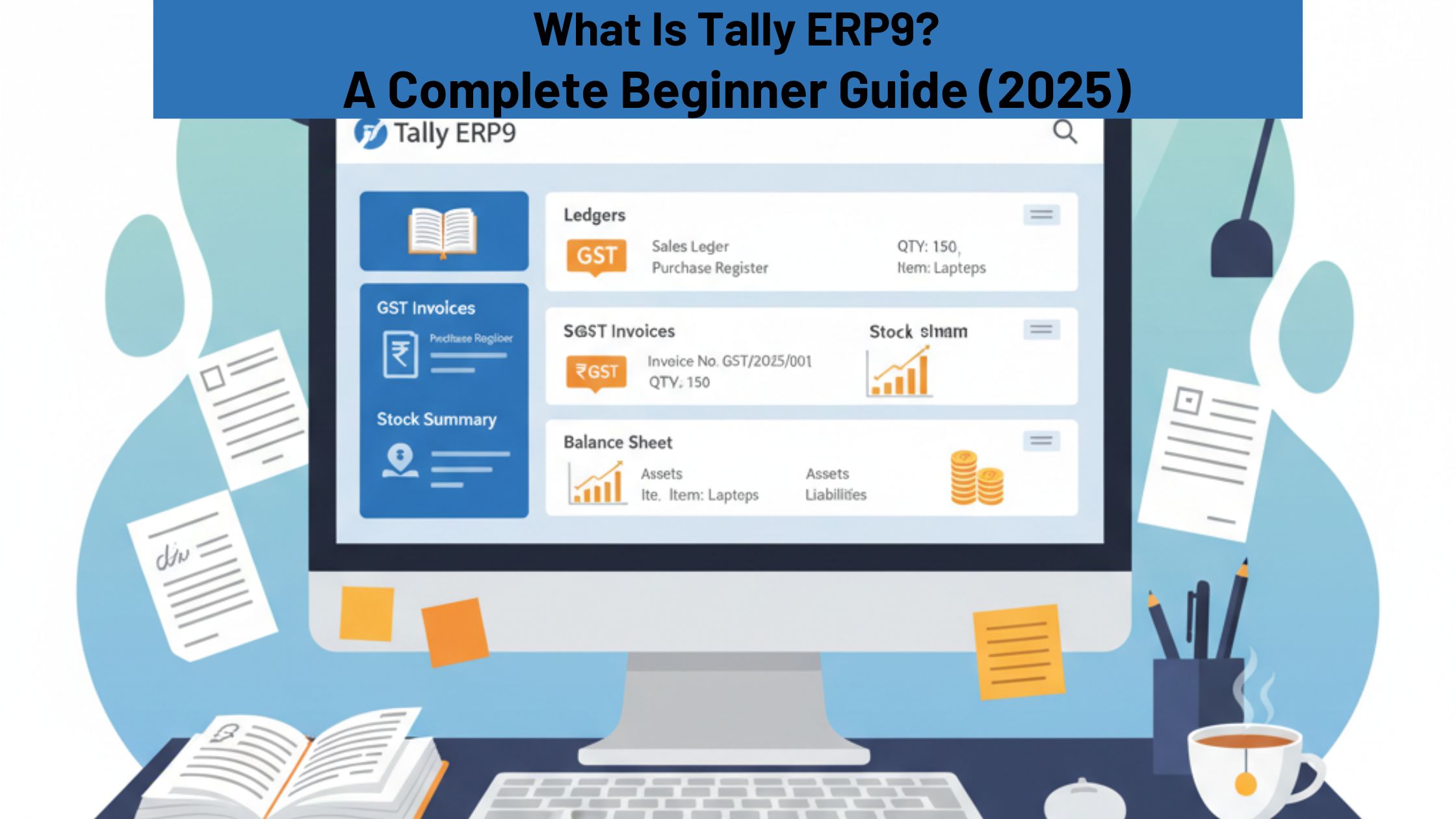
If you are a beginner trying to understand what Tally ERP9 is, how it works, why so many businesses depend on it, and what makes it one of the most popular accounting software tools in India, then this guide will help you.
This article explains Tally ERP9 in a simple, easy-to-understand way, just like a classroom trainer would explain it to a student. Whether you are a learner, job seeker, business owner, or accounting professional, this guide will give you a complete understanding of Tally ERP9.
What Is Tally ERP9?
Tally ERP9 is an ERP-based accounting software developed by Tally Solutions Pvt. Ltd., an Indian company that has been building business software for decades. Today, Tally ERP9 is used by lakhs of businesses across India because it helps them manage accounts, GST, inventory, payroll, banking, taxation, and daily business operations.
Tally ERP9 stands for:
- Transactions Allowed in a Linear Line Yard
- Enterprise Resource Planning – Version 9
Tally ERP9 is simple, stable, and fast. It is designed in such a way that even beginners can understand the menu, enter transactions, and generate reports. The software follows traditional accounting principles, which makes it a trusted tool for accountants, auditors, and students.
In simple terms, Tally ERP9 works like a digital accountant. Just like an accountant maintains books, Tally ERP9 maintains your financial records in the correct format and updates everything automatically
Why Is Tally ERP9 So Popular in India?
Tally ERP9 is one of the oldest and most stable accounting software tools in India. Its popularity continues because of the following reasons:
1. Simplicity
The interface is very easy to use. Even if you do not have much accounting knowledge, you can still learn Tally ERP9 quickly. Most actions are done using simple shortcut keys and step-by-step menus.
2. GST Ready
Tally ERP9 is fully GST-compliant. Businesses can create GST invoices, calculate taxes automatically, prepare GSTR reports, and check input credits. This is one of the main reasons Indian companies prefer Tally.
3. Multi-functional Features
It is not just an accounting tool. It takes care of inventory, payroll, banking, taxation, job costing, and even manufacturing records. This makes it a complete business management system.
4. Affordable
Compared to global ERP tools like SAP, Oracle, or QuickBooks, Tally ERP9 is much more affordable for Indian SMEs. It saves time, reduces errors, and increases accuracy without a high investment.
5. Widely Used
Since Tally is used everywhere from small shops to large companies, learning it increases job opportunities. Many companies list Tally as a required skill for accounting jobs.
Key Features of Tally ERP9
Tally ERP9 has many features, but here are the most important ones that make it a complete solution for business accounting.
1. Accounting Management
Tally offers a strong and reliable accounting system. It supports:
- Sales and purchase entries
- Debit and credit notes
- Payment and receipt entries
- Journal vouchers
- Bank reconciliation
- Cash flow and fund flow
Every entry updates the accounts instantly. There is no need to calculate totals manually. Tally generates accurate reports based on the vouchers you enter.
2. Inventory Management
Inventory is important for businesses that deal with products. Tally ERP9 offers very detailed inventory tracking.
It includes:
- Stock item creation
- Godown and warehouse management
- Batch-wise tracking
- Manufacturing process support
- Stock aging analysis
- Reorder levels
With this, businesses can track stock movement, identify slow-moving items, and avoid overstocking or shortages.
3. GST and Taxation
Tally ERP9 makes GST easy for businesses. It allows you to create GST-compliant invoices and supports:
- Automatic GST calculation
- GSTR-1, GSTR-3B, and GSTR-2A reports
- HSN/SAC code management
- Input tax credit tracking
- Reverse charge mechanism
Tally checks for missing information and incorrect entries, which prevents GST errors.
4. Payroll Management
Businesses that have employees need a proper payroll system. Tally ERP9 handles payroll smoothly.
It supports:
- Employee records
- Salary structures
- PF, ESI, and Professional Tax
- Attendance and leave
- Payslip generation
This helps companies calculate salaries correctly every month without manual effort.

5. Banking Features
Tally ERP9 supports digital banking. Users can:
- Match bank statements automatically
- Print cheques
- Make online payments
- Import bank statements
This saves time and improves accuracy in financial records.
6. Data Security
Tally ERP9 keeps business data secure. It offers:
- Password protection
- User-wise permissions
- Encrypted data storage
- Audit trails
This is very useful for companies with many employees who access Tally.
Benefits of Using Tally ERP9
Businesses across India prefer Tally ERP9 because it reduces manual work and improves accuracy.
Here are the key benefits:
1. Accuracy
Tally removes human errors because calculations are automated.
2. Speed
Transactions can be entered within seconds. Reports are generated instantly.
3. GST Compliance
Businesses stay updated with GST rules and avoid penalties.
4. Customization
Invoices, vouchers, and reports can be customized as per business needs.
5. Real-time Reports
Tally provides P&L, Balance Sheet, GST Summary, and many other reports instantly.
6. Multi-user Support
Tally allows multiple users to work at the same time with different permission levels.
How Does Tally ERP9 Work?
Tally ERP9 follows a simple and clear workflow. That is why beginners find it comfortable to use.
“Tally ERP9 works like a digital accountant for your business.”
Below is the basic working process.
Step 1: Create Company
This is the first step. You enter:
- Company name
- Address
- Financial year
- GSTIN (if applicable)
After this, your company will be ready to use.
Step 2: Create Ledgers
Ledgers are the base of accounting. You create ledgers for:
- Customers
- Suppliers
- Banks
- Expenses
- Taxes
- Sales and purchases
Every voucher uses one or more ledgers.
Step 3: Record Transactions
This is my daily activity. You enter vouchers such as:
- Sales invoices
- Purchase bills
- Payment vouchers
- Receipt vouchers
- Journal entries
The moment you save, the data updates in all reports.
Step 4: Inventory Setup
If you sell products, you must create stock items. You set:
- Item names
- Units
- Opening balance
- Pricing
- Godown details
This helps track stock movement.
Step 5: Tax Configuration
To use GST features, you enable GST and set:
- Tax rates
- HSN codes
- Tax ledgers
Tally calculates taxes automatically based on your settings.
Step 6: View Reports
Reports show the financial health of your business. Tally ERP9 provides:
- Balance Sheet
- Profit & Loss Statement
- GST Summary
- Stock Summary
- Cash Flow
Reports help in decision-making.
Who Can Use Tally ERP9?
Tally ERP9 is useful for almost every type of business and professional.
- Small and Medium Enterprises (SMEs)
- Traders and Retailers
- Manufacturers
- Service Companies
- Freelancers
- Consultants
- Chartered Accountants
- Accounting Students
Tally is simple enough for beginners but powerful enough for professionals.
Is Tally ERP9 Free?
No. Tally ERP9 is paid software. However, Tally Solutions offers a free 7-day trial for new users.
How to Download Tally ERP9
To download Tally ERP9:
- Visit: https://tallysolutions.com
- Click Download
- Choose Tally ERP9
- Install it
- Activate license
Conclusion
Tally ERP9 is more than accounting software. It is a complete business management tool trusted across India. With features like GST compliance, inventory tracking, payroll management, and real-time reporting, Tally ERP9 makes business operations smooth and error-free.
Whether you are a student or a business owner, learning Tally ERP9 can improve your accounting skills and help you build a successful career.
If you want practical training, job-focused guidance, and certification in Tally ERP9,APEC Training is one of the best places to learn Tally with real-time examples and expert trainers.