Over the last few years, something interesting has happened inside companies. Everyone suddenly started talking about “data.” Whether it’s a small shop or a global enterprise, managers want to know what happened, why it happened, and what they should do next. And to answer these questions, they need clear and simple insights, not complicated spreadsheets.
That’s exactly where Power BI comes in.
Power BI has grown from a simple reporting tool into one of the most trusted platforms for business intelligence. What makes it even more interesting is how beginner-friendly it is. You don’t need to be a programmer or a data genius to start using it. If you’ve ever worked with Excel, then you already understand half the game.
This guide is for anyone, students, freshers, working professionals, or complete beginners who want to understand Power BI and start a career in data analysis in 2025.
What Is Power BI?
Imagine having a huge pile of data in front of you sales numbers, customer details, stock reports, survey results… all mixed up.
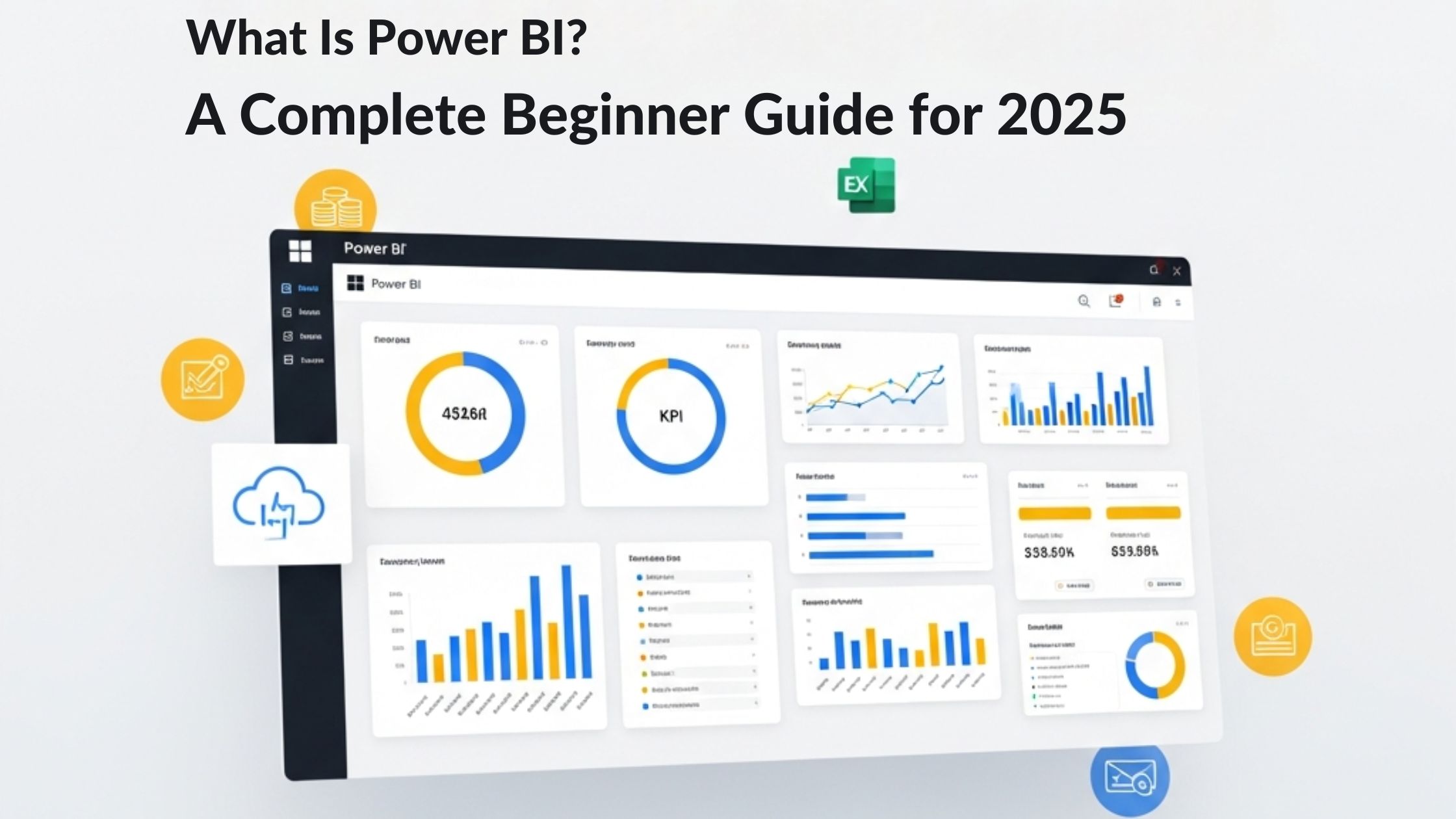
Power BI takes that messy pile, arranges it neatly, and shows it in a simple way using charts, dashboards, and visuals. With just a few clicks, you can turn raw data into something meaningful.
You can think of it like this:
👉 Excel = manual work
👉 Power BI = smart, automated, insightful dashboards
Power BI comes from Microsoft, so it integrates beautifully with tools we already use Excel, Teams, Outlook, Azure, and SQL.
What Power BI Helps You Do:
- Pull data from different places
- Clean and reshape the data
- Build charts and dashboards
- Track business performance
- Share insights with your team or clients
It’s simple, powerful, and surprisingly fun once you start exploring
Why Power BI Matters So Much in 2025
Data isn’t something companies “like” anymore it’s something they need. Managers don’t make decisions based on gut feeling now. They want dashboards, real-time numbers, and break-downs of what exactly is going on.
Here’s why Power BI is such a big deal in 2025:
1. More companies want data-driven decisions
Every department of sales, marketing, HR, finance needs clear insights.
2. It’s extremely beginner-friendly
Power BI hides the complicated parts and focuses on visuals and logic.
3. Used by top companies globally
From Amazon to Deloitte, big brands rely on Power BI every day.
4. Perfect skill for freshers
Even if you’re new to IT, Power BI feels natural to learn.
5. A must-have tool in digital transformation
As companies shift to cloud platforms, Power BI becomes even more valuable.
6. Excellent career growth and salary potential
Power BI is one of the most stable and high-paying analytics skills right now.
How Power BI Works
If you’re hearing this tool’s name for the first time, don’t worry. Power BI works in a very simple flow. Think of it like preparing a report manually but with fewer headaches.
1.Bring Your Data In
You can bring data from Excel, SQL Server, Google Analytics, cloud apps, or even a website link.
2.Clean the Data (Power Query)
This is where you fix spelling mistakes, remove duplicates, combine tables, or change formats. It feels like tidying your room before guests arrive.
3.Build Relationships
If you have multiple tables (like products and sales), you simply tell Power BI how they’re connected.
4.Create Visuals
You then choose charts, bars, line, map, pie, KPI cards and build a dashboard.
5.Share or Publish
Dashboards can be shared online with managers or colleagues with just one click.
The entire cycle feels natural once you do it two or three times.


Understanding the Different Parts of Power BI
Power BI comes with a few components. You don’t need all of them on day one, but knowing them helps.
1.Power BI Desktop
This is where you build dashboards. It’s free and easy to install.
2.Power BI Service
This is the online platform where you publish and share reports.
3.Power BI Mobile
Managers can open dashboards on phones and track performance anywhere.
4.Power BI Gateway
Companies use this to refresh data automatically.
5.Power BI Report Builder
Used for print-friendly, detailed reports.
6.Power BI Dataflows
Helps manage large datasets in cloud environments.
Who Should Learn Power BI?
Here’s the best part: Power BI is not limited to IT people.
Power BI is excellent for:
- Students
- Non-IT beginners
- Working professionals
- BCom, BBA, MBA, BTech, BSc graduates
- Finance and HR teams
- Business owners
- Marketing professionals
- Anyone who wants a strong career shift
If you can understand data logically, Power BI will make total sense.
Skills You Actually Need for Power BI in 2025
You don’t need to master everything before learning Power BI. A few basics are enough.
Technical Skills
- Simple Excel knowledge
- Understanding of tables and charts
- Basic idea of filters and sorting
Soft Skills
- Curiosity
- Logical thinking
- Patience
- Ability to explain insights
Bonus Skills
- SQL basics
- Domain knowledge
- Data storytelling
These skills naturally improve as you practice.

A Beginner-Friendly Roadmap to Learn Power BI
If you want a clean, no-confusion learning path, follow this:
Step 1: Learn Excel basics
Tables, charts, VLOOKUP, and formulas.
Step 2: Install Power BI Desktop
Explore menus and visuals.
Step 3: Learn Power Query
Practice cleaning and shaping data.
Step 4: Create relationships between tables
This is the backbone of accurate reports.
Step 5: Learn DAX slowly
Start with simple formulas like SUM, COUNT, and AVERAGE.
Step 6: Build dashboards
Start with sales or HR dashboards.
Step 7: Publish online
Share dashboards in Power BI Service.
Step 8: Build a portfolio
Post your dashboards on LinkedIn or GitHub.
This roadmap works for absolute beginners.
Power BI Job Roles in 2025
Once you learn the tool, you can apply for various roles:
Entry-Level
- Power BI Developer
- Data Analyst
- Reporting Analyst
- BI Intern
Mid-Level
- BI Analyst
- Visualization Specialist
- DAX Developer
Senior-Level
- BI Architect
- Analytics Manager
- Data Engineering Lead
Each step offers growth, stability, and strong salaries.
The Future of Power BI Beyond 2025
Power BI is evolving fast. With AI, automation, and cloud data becoming mainstream, the need for skilled Power BI professionals is only getting stronger.
Future trends:
- AI-powered analytics
- Automated insights
- Real-time dashboards
- Integration with Azure AI
- More cloud-based intelligence
Power BI will continue to lead Microsoft’s analytics ecosystem.
Conclusion
Power BI is one of the most practical, beginner-friendly, and career-focused skills you can learn in 2025. Whether you’re a student trying to build a future or a working professional looking for growth, mastering Power BI opens the door to countless opportunities.
If you’re planning to begin your learning journey, APEC offers structured training, real-time projects, and personalized guidance that can help you become job-ready. With the right practice and direction, you can build a strong and rewarding career in Power BI and business intelligence