Imagine you have a photo in your hand. Maybe it’s a nice selfie, but there is someone standing behind you making a weird face. Or maybe the lighting is bad and your skin tone looks dull. What would you do? On your phone, you can add filters, but filters don’t really fix things properly.
Now imagine you have a tool on your computer that lets you actually fix the picture remove the person behind you, brighten the face, smooth the skin, change the background, adjust the lighting, add text… basically do whatever you want with the image.
That tool is Adobe Photoshop.
Photoshop is the most famous image editing software in the world. It has been around for more than 30 years, and honestly, even today, nothing else matches the level of control it gives you. Designers, photographers, digital artists, social media creators everyone uses Photoshop.
So in simple words:
Photoshop is a digital editing and design tool used to change, fix, or create images.
That’s the basic idea. Now let’s talk like we are sitting in a classroom, step by step.
WHY DO PEOPLE MAKE SUCH A BIG DEAL ABOUT PHOTOSHOP?
Let me tell you a simple truth:
When you open Photoshop for the first time, it looks scary. Lots of tools everywhere. Panels, layers, brushes, menus. Students usually panic and say, “Sir, what is all this?!”
And I always say the same line:
“Don’t worry. Photoshop only looks complicated. Once you understand the main tools, it becomes your best friend.”
There are a few reasons why Photoshop became so popular:
1. It gives you total control
Photoshop lets you zoom into the smallest pixel.One pixel is like one tiny dot in the image.You can change it if you want. That level of control is insane.Other apps give templates or filters. Photoshop gives freedom.
You can create things that never existed.
2. Professionals everywhere use it
Any designer job you check — they will ask for Photoshop.
If someone runs a studio — they use Photoshop.
If someone edits wedding photos — Photoshop.
If a company makes posters — Photoshop.
It’s the industry standard.
3. You can do ANY type of visual work
You can:
- Edit photos
- Design posters
- Make logos
- Create ads
- Do digital painting
- Change backgrounds
- Build website layouts
- Make YouTube thumbnails
It’s like a Swiss Army knife for visuals.
4. It connects with other Adobe tools
Photoshop works nicely with Illustrator, Lightroom, Premiere Pro, and others.If you grow in the design field, this becomes very useful.
5. Adobe keeps improving it
Every year, Photoshop becomes smarter.Now it even has AI tools that remove things with one click.
FEATURES Of PHOTOSHOP
LAYERS — THE MOST IMPORTANT CONCEPT
If you understand layers, 40% of Photoshop becomes easy.
Let me explain it simply.
Imagine you are drawing something on a transparent sheet.Now imagine another transparent sheet on top of it.And another one.Each sheet has something different drawn on it.
This is exactly how Layers work.
- One layer can have text
- Another layer can have a photo
- Another layer can have a colour
- Another layer can have an effect
Because everything is on different layers, you can edit one thing without touching the rest.
This is the biggest advantage Photoshop gives you.

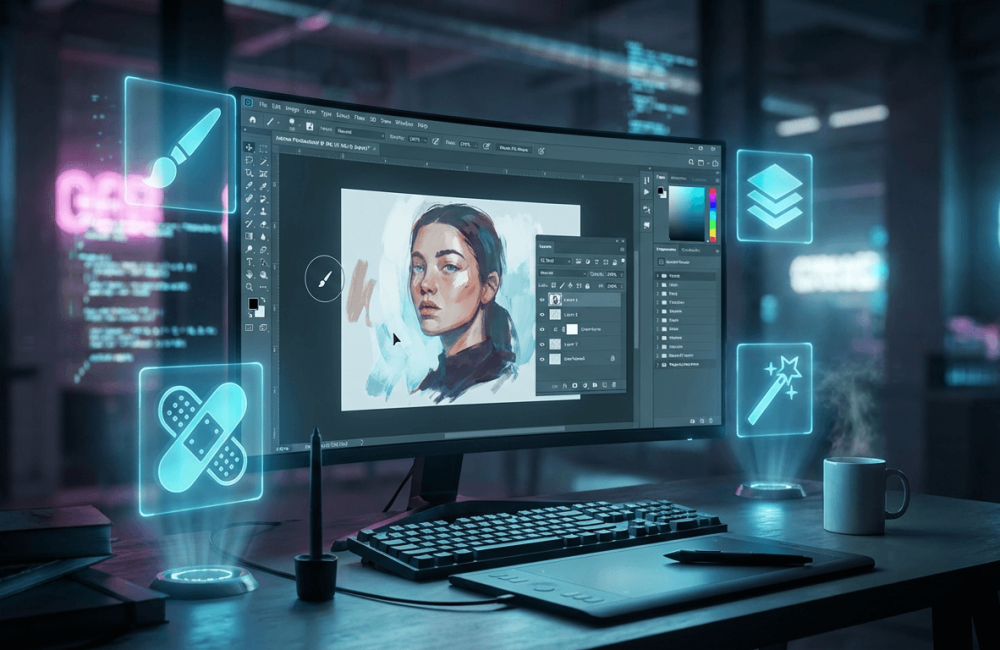
SELECTION TOOLS
Selections help you select a specific part of an image so you can edit only that part.
Some tools are:
- Marquee tool (square/round selection)
- Lasso tool (freehand selection)
- Magic wand (similar colour selection)
- Quick selection (auto-detect objects)
For example:
If someone wants to cut out a person from the background, you will use selection tools first.
BRUSH TOOL — FOR DRAWING, SHADING, RETOUCHING
Brush Tool is not only for painting.
Designers use it for:
- Soft shadows
- Smooth touch-ups
- Texture painting
- Highlights
- Artistic strokes
There are thousands of brushes online. You can even create your own.
HEALING TOOLS — FIX PHOTOS LIKE MAGIC
These tools are very popular in photography.
You can remove:
- Pimples
- Dark spots
- Marks on clothes
- Scratches on objects
Tools like Healing Brush and Patch Tool can almost “repair” a damaged spot in the photo.
ADJUSTMENT LAYERS — CHANGE THE MOOD OF A PHOTO
If a photo looks too dark, too yellow, too blue, or too dull, you use adjustment layers.
Common ones include:
- Brightness/Contrast
- Curves
- Levels
- Hue & Saturation
- Colour Balance
These help you fix lighting and colour issues without damaging the original photo.
TEXT TOOL — FOR POSTERS, ADS, AND THUMBNAILS
Photoshop allows you to create amazing text styles for:
- Posters
- Thumbnail titles
- Logos
- Advertisements
- Flyers
You can add shadows, strokes, outlines, glow, and many effects to text.
FILTERS — FOR SPECIAL EFFECTS
You can add:
- Blur
- Sharpen
- Noise
- Motion effects
- Soft glow
- Artistic effects
Filters help create unique looks with minimum effort.
MASKING — THE MAGIC TOOL OF PHOTOSHOP
Masking allows you to hide or show parts of a layer without deleting them.
For example:
- Want to blend two photos? Use masking.
- Want to remove background smoothly? Masking.
- Want to fade something? Masking.
It’s one of the most powerful features, and every designer uses it daily.
WHAT CAN YOU ACTUALLY DO WITH PHOTOSHOP? (REAL EXAMPLES)
Here are things students usually create in the first few months:
- Fixing photos
Removing marks, improving brightness, changing colours.
- Creating social media posts
Instagram Quotes, YouTube Thumbnails, Facebook Banners.
- Designing marketing materials
Posters, flyers, visiting cards, menus, brochures.
- Digital art
Cartoons, illustrations, concept art.
- Product mockups
T-shirt designs, packaging previews, book covers.
- Website & app layout
UI/UX designers use Photoshop for wireframes and layouts.
- Removing or adding objects
Removing electric wires, people, shadows, etc.
WHO SHOULD LEARN PHOTOSHOP?
Photoshop is useful for:
- Graphic design students
- Photographers
- Digital marketers
- YouTubers
- Bloggers
- Social media managers
- Advertising agencies
- Web designers
- Artists
Even if you are not in a creative field, Photoshop is a valuable skill to have.
HOW SHOULD A BEGINNER START LEARNING PHOTOSHOP?
Let me give you a simple roadmap:
Step 1: Learn Layers
Everything becomes easier after this.
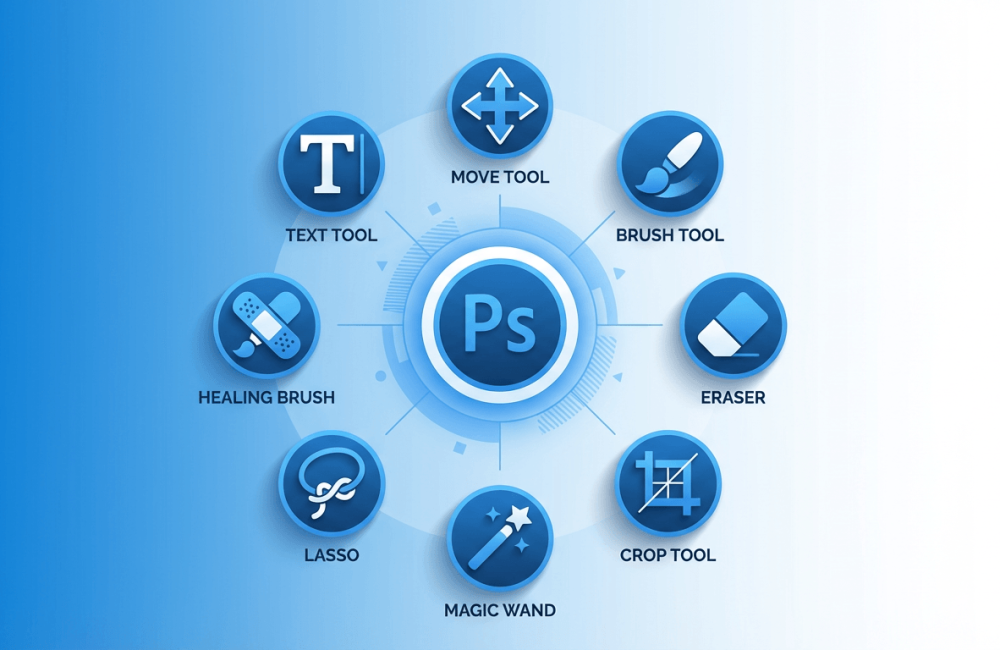
Step 2: Try basic tools
Move, Brush, Eraser, Crop.
Step 3: Learn selections
Cutting backgrounds, isolating objects — very useful.
Step 4: Practice photo retouching
Helps you understand brushes and healing tools.
Step 5: Create simple posters
Adds design sense.
Step 6: Try masking
This is where you unlock real creativity.
Step 7: Work on small projects
A few real-world projects will boost your confidence.
Conclusion
Adobe Photoshop is not just software; it’s a complete creative playground.Once you understand the basic tools, it becomes fun to work with. Whether you want a job in design, plan to start freelancing, or simply want to edit your own pictures professionally, Photoshop is an essential skill today.
If you want to learn Photoshop in a practical, step-by-step way, check out.A great place to start your design journey with real guidance.